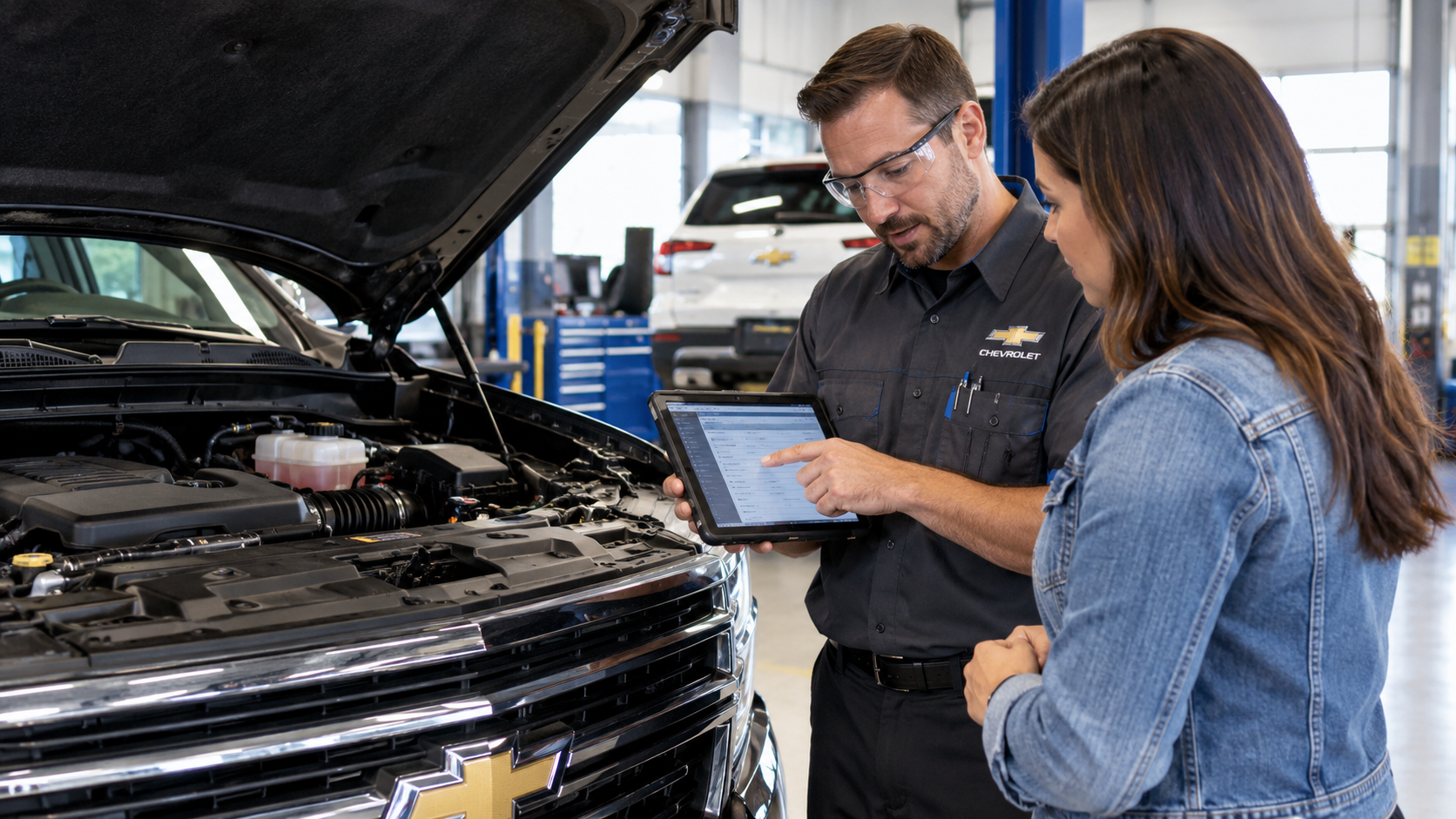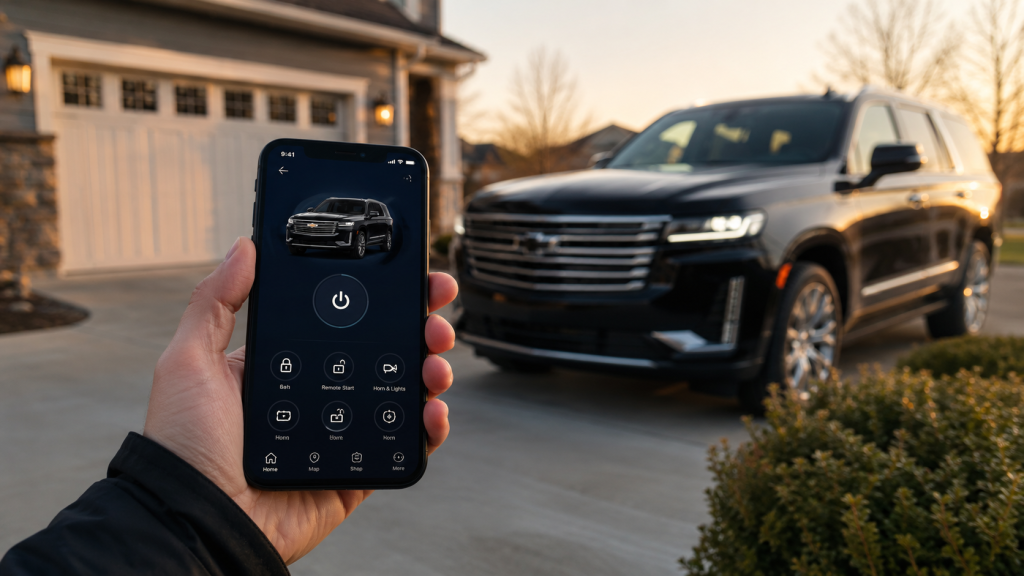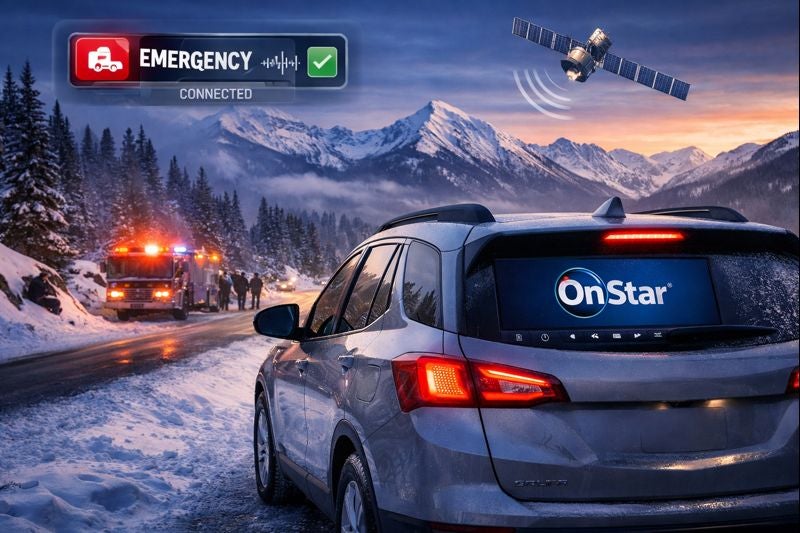



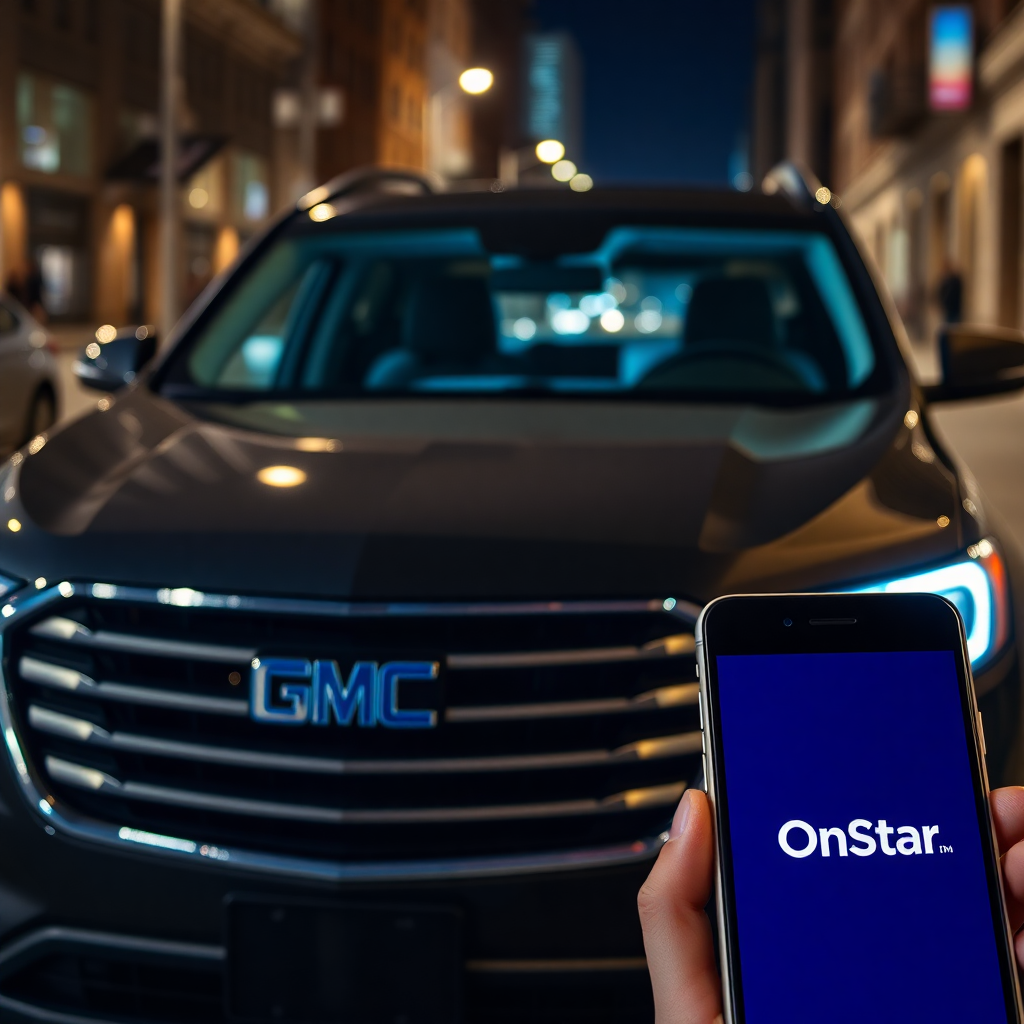
Your Chevrolet may already include connected features you have not tried. Chevrolet OnStar plans explain which services come with your vehicle and which require a separate subscription. If you want emergency assistance, phone controls, or in-car internet, the differences are worth checking. Your vehicle's model year and equipment shape what you can access. Chevrolet OnStar and Its Connected Services OnStar connects eligible Chevrolet vehicles to safety assistance, digital features, and account-based services. A built-in connection lets supported equipment communicate beyond the cabin. However, the vehicle needs compatible hardware, electrical power, and available cellular and GPS signals for particular functions. What does OnStar do when you need assistance? It can connect an eligible Chevrolet to an OnStar Advisor or initiate certain automatic responses. In addition, other features connect the infotainment display, your phone, and information about your vehicle. These functions are related, but they do not all require the same subscription. A Chevrolet Silverado owner might use remote door locks from a phone. An eligible Chevrolet Equinox owner might use built-in navigation or streaming apps. Still, equipment varies by vehicle, trim, and model year. The presence of an OnStar button does not guarantee access to every connected feature. Furthermore, OnStar sits within Chevrolet's wider connected-service offerings. Vehicle Diagnostics, mobile access, and navigation are separate functions with different eligibility rules. Therefore, review each available service individually before changing a plan. Chevrolet OnStar Plans for 2026 OnStar Basics gives eligible 2025 and newer Chevrolet vehicles eight years of core included services. These include Automatic Crash Response, remote commands, supported audio apps, voice assistance, and navigation. However, a particular function still requires compatible vehicle equipment and an active connection. By contrast, older Chevrolet models may have a different package or subscription history. What separates the paid OnStar plans? Each concentrates on a different set of services, while OnStar One combines major categories. Additionally, the current lineup replaces older names such as Safety & Security, Essentials, and Remote Access. Consequently, an older receipt may show a name that no longer appears in the plan catalog. OnStar Connect includes supported audio apps, remote commands, voice assistance, and navigation for eligible vehicles. Check included Basics features first to identify what would be new for your Chevrolet. OnStar Connect Plus adds in-vehicle Wi-Fi and eligible entertainment features, including video, games, and a browser. These functions require compatible infotainment equipment. OnStar Protect provides additional safety services, including Advisor access, roadside support, stolen vehicle assistance, and OnStar Guardian access. Its coverage differs from the core features supplied through Basics. OnStar One bundles safety and connected entertainment services under one subscription. Its precise availability and included functions should be checked against your Chevrolet account. Beyond that, Super Cruise is a separate consideration for appropriately equipped Chevrolet vehicles. It supports hands-free driving on compatible roads, but the driver must remain attentive and ready to respond. A subscription cannot add Super Cruise hardware to a vehicle without it. Plan prices, offers, and trial terms can change. Moreover, the plans available to a 2026 Chevrolet may differ from those offered for an older model. The signed-in account shows eligible options and current terms for that particular vehicle. OnStar Safety and Security Features First, Automatic Crash Response uses vehicle crash information to initiate a connection for assistance when qualifying events occur. An OnStar Advisor can assess the situation and coordinate with first responders when the service connects. Still, a working vehicle connection and other service requirements apply. This function comes with OnStar Basics on eligible newer Chevrolet vehicles. Which additional safety services need a paid plan? OnStar Protect includes Advisor-supported emergency assistance, Roadside Assistance, and Stolen Vehicle Assistance. Those services go beyond the core Basics package. Therefore, verify your active coverage before assuming that every safety function remains available after a trial ends. Additionally, Roadside Assistance can connect you with help for a flat tire or a vehicle that will not start. Stolen Vehicle Assistance works with law enforcement after a theft has been reported. Certain available tools may assist with locating an eligible stolen Chevrolet. However, service access and recovery actions require the relevant plan and vehicle eligibility. Moreover, OnStar Guardian extends selected emergency and roadside features to a compatible phone outside the Chevrolet. Its available functions and access requirements differ from the in-vehicle buttons. The app remains part of OnStar's current Protect offering. Review its permissions and subscription requirements before relying on it away from your vehicle. Still, these services are not substitutes for attentive driving or emergency judgment. If a connection fails, use another available way to contact local emergency services. Remote Access Through the myChevrolet App The myChevrolet mobile app connects your phone with supported controls and vehicle information. Additionally, after account setup, eligible commands travel through connected services to compatible vehicle equipment. Therefore, a Chevrolet must have the necessary hardware and service access to respond. Can you start or unlock your Chevrolet from your phone? Yes, when remote commands are available and the vehicle supports the requested action. Remote start also requires factory-compatible equipment and proper vehicle status. For this reason, a Chevrolet without remote-start hardware cannot gain that function simply by installing the app. For eligible models, the app offers several available actions: Remote key fob commands can lock doors, unlock doors, sound the horn, or start a properly equipped Chevrolet. The vehicle must accept the command through an available connection. Vehicle Locate can show the Chevrolet's position on a map and provide directions back to it. Availability requires the appropriate permissions and connected services. Vehicle Status and Diagnostics can display available tire-pressure, fuel, oil-life, or maintenance information. The specific readouts vary with vehicle equipment and data access. Beyond that, for eligible Chevrolet electric models, the app may also show battery charge information and charging tools. Additionally, certain equipped vehicles can receive navigation destinations sent from a phone. App screens and service permissions can change, so use your signed-in vehicle profile as the final check. Navigation, Wi-Fi, and Connected Entertainment Navigation and Wi-Fi serve different purposes inside a Chevrolet. Supported built-in navigation supplies route information through the vehicle display. An in-vehicle Wi-Fi hotspot creates an internet connection that passengers can use with compatible devices. Consequently, having navigation does not mean that unlimited hotspot data is included. Does your Chevrolet need Connect Plus for Wi-Fi? Connect Plus includes an eligible in-vehicle hotspot and expanded entertainment access. However, OnStar Basics already supplies supported navigation and audio apps in qualifying newer Chevrolet vehicles. Confirm the model's infotainment equipment before comparing subscriptions. Furthermore, the distinction also matters for streaming. Supported audio apps can appear on the center display, while video, games, and browser access require specific equipment and services. Some entertainment functions may have restrictions while the Chevrolet is moving. Moreover, passengers should not assume that a screen supports every app listed in a plan description. Still, connected features rely on network availability and suitable equipment. Cellular reception may weaken in remote areas, and an interrupted connection may prevent a command or stream from working. Therefore, download essential directions or prepare another navigation option before traveling outside reliable coverage. If you are exploring a Chevrolet with particular connected features, review the new Chevrolet inventory. Confirm the chosen vehicle's equipment instead of trusting a plan name alone. Checking Chevrolet OnStar Coverage and Managing Plans First, begin with the Chevrolet model year, compatible equipment, and current subscription status. Next, sign in to your OnStar or Chevrolet account to view included services, active plans, and available upgrades. The Chevrolet OnStar information page at Vince's GM Center also introduces the main service categories. How can you tell what remains after a trial? Your account identifies the features attached to your vehicle purchase and those linked to paid service. For eligible newer Chevrolet vehicles, included Basics features have their own stated duration. By contrast, paid trial features may stop unless you enroll in a qualifying plan. Additionally, to activate or change service, use your vehicle's blue OnStar button or the account's plan-management tools. You may also call OnStar at 1-888-466-7827. Before canceling, confirm exactly which emergency and connected features will remain accessible for your Chevrolet. OnStar's general cancellation guidance warns that services can become unavailable when an account is deactivated. Moreover, review the account's current monthly price, taxes, any trial end date, and plan terms before subscribing. Also check privacy permissions for location-sharing and mobile features. These details make the subscription easier to manage without assuming that every Chevrolet has identical access. With that in mind, if you have questions about a Chevrolet, contact Vince's GM Center in Burlington, Colorado. You can review the available features and decide which services belong in your vehicle before committing to a plan.
GMC Sierra vs GMC Terrain for Work and Daily Driving
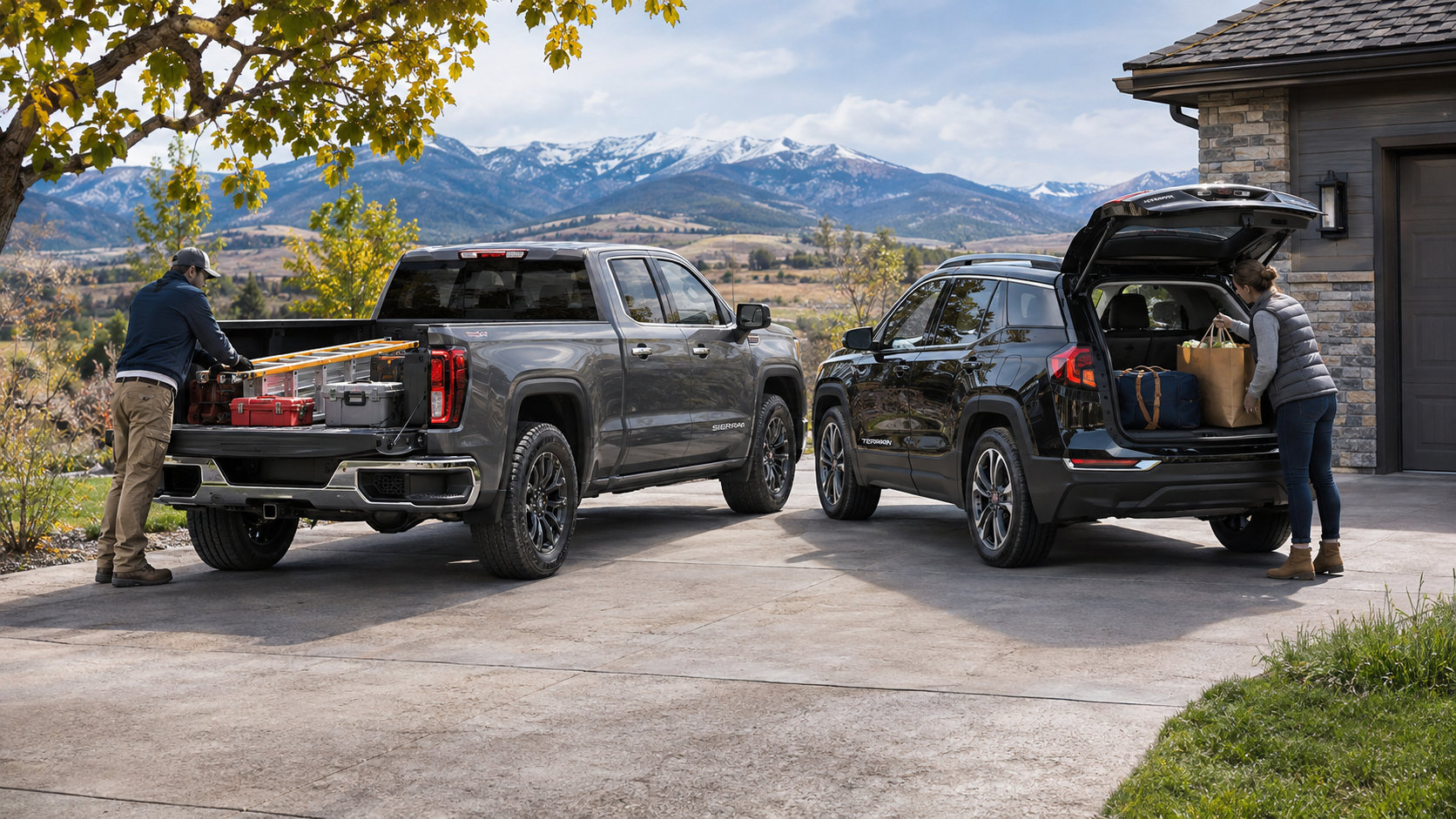
GMC Sierra vs GMC Terrain presents a familiar choice: an open-bed pickup or a compact SUV with enclosed storage. A pickup and a compact SUV solve different transportation problems. The Sierra provides an open bed and multiple cab and engine choices. In contrast, the Terrain keeps belongings inside an enclosed cargo area behind its passenger seats. Both serve trips around Burlington, Colorado, but their designs shape what each can handle. Before selecting either GMC, consider trailer weight, cargo dimensions, passenger space, and your usual routes. How Pickup and SUV Construction Changes What You Can Carry The GMC Sierra 1500 uses a separate pickup bed behind the cab. This layout provides a space for materials that might not fit through an SUV liftgate. You can load bulky tools, landscaping supplies, or equipment without bringing them into the passenger compartment. However, an open bed leaves cargo exposed unless you add suitable protection. You must also secure loads to prevent shifting or loss during travel. The Terrain places its storage area directly behind the second row. A liftgate opens to an enclosed space for groceries, bags, or sporting goods. This design keeps smaller belongings out of the elements when the liftgate closes. Still, the roof and cargo opening limit the height and shape of items you can load. Long objects may require folding part of the rear seat. So, which body style fits your plans? Start with the shape, weight, and frequency of your largest loads. A truck bed makes sense when you transport bulky materials that are difficult to fit inside a cabin. An SUV makes sense when protected storage and easy access to smaller items matter more. Neither layout replaces the need to check weight limits and secure cargo correctly. Towing Ratings and Why the Details Matter Towing involves more than connecting a trailer to a hitch. The trailer places weight on the hitch and adds resistance while accelerating, turning, and braking. Therefore, you need a vehicle with an adequate tow rating and the proper equipment. You must also account for passengers and anything carried inside the vehicle. For the 2026 Sierra 1500, GMC lists available maximum diesel towing of up to 13,300 pounds. That figure applies to specific configurations, not every Sierra. The 2027 Terrain lists up to 1,500 pounds when properly equipped. Its available all-wheel-drive configurations support light trailering, but the exact limit must match the vehicle's equipment. For either GMC, consult the owner's manual and the vehicle-specific rating before towing. A useful towing checklist starts with three measurements: Loaded trailer weight: Include the trailer, fuel, water, equipment, and anything else it carries before checking the tow rating. Tongue weight: Account for the downward force at the hitch because it contributes to the vehicle's carrying load. Vehicle load: Include people, luggage, and accessories because these also count toward applicable weight limits. If towing forms a regular part of your plans, Sierra configurations provide a wider range of trailer choices. However, a lightly loaded utility trailer may fall within a properly equipped Terrain's limits. Match the actual trailer and equipment to the specific GMC before making a decision. Cargo Space, Loading Access, and Storage Protection Cargo volume tells only part of the story. The Terrain offers up to 29.8 cubic feet behind its second row. Fold the rear seats, and GMC lists up to 63.5 cubic feet. However, those figures describe interior volume, not the dimensions of every object that will fit. Measure the cargo opening and the length of any large item before relying on the published volume. The Sierra offers different bed lengths across its configurations. Its open design makes tall or awkward materials easier to position. However, bed length, width between wheel wells, payload, and tie-down locations still matter. A large object may fit inside the bed but exceed the vehicle's permitted load weight. Likewise, loose material needs safe restraint even when the bed walls surround it. Think about what happens after you arrive. With Terrain, you can lift bags from an enclosed compartment and close the hatch. With Sierra, you may need to lower the tailgate, remove straps, or uncover stored equipment. In return, a pickup bed provides space for items you would not want inside a carpeted cabin. For Burlington errands, road trips, or outdoor gear, list your three largest regular loads. Check their dimensions and whether they need a covered storage area. That exercise will reveal more than a simple comparison of cargo figures. Passenger Room, Parking, and Daily Transportation Both GMC models transport passengers, but their interior arrangements differ. Terrain has two rows with seating for up to five. Its rear seats fold in a 60/40 split, expanding cargo room while retaining one rear seating position. Still, folding seats reduces the number of passengers you can carry at the same time. Sierra 1500 seating varies with the cab selected. A Crew Cab provides a larger rear seating area than a smaller cab layout. Therefore, shoppers transporting adults or child seats should inspect the exact truck configuration. Compare rear legroom, entry access, and how much space remains after fitting seats or travel bags. Exterior size also shapes the daily drive. Terrain measures about 181 inches long, making it shorter than a full-size Sierra 1500. This smaller footprint can simplify crowded parking areas and tight turns. Sierra's larger dimensions require more room, although its bed serves tasks a compact SUV cannot handle as easily. Fuel economy deserves its own check. Terrain uses a 1.5-liter turbocharged four-cylinder engine, while Sierra offers several engine choices. Those Sierra powertrains have different fuel consumption ratings. Instead of assuming one figure applies to every truck, compare the EPA estimates on the exact vehicles under consideration. Then weigh your weekly mileage against how much you need the pickup bed or towing equipment. Choosing the GMC That Fits Your Plans The most useful vehicle comparison begins with the tasks you cannot change. Start with your heaviest trailer, your largest cargo, and your usual passenger count. Then consider the miles you drive during a normal week. Together, these details show which design deserves a closer look. Use these starting points while comparing available vehicles: Look closely at Sierra when you need an open bed, transport large materials, or require trailer ratings beyond Terrain's limits. Look closely at Terrain when enclosed storage, five-passenger seating, and a smaller footprint suit your usual trips. Compare specific configurations when both seem suitable because cab style, drivetrain, towing equipment, and cargo dimensions can change the answer. A test drive adds another useful check. Bring the dimensions of any gear you transport and review vehicle-specific ratings before choosing a configuration. If you park in a garage, measure the available length and clearance. For trailers, verify the loaded weight and required hitch equipment before discussing a purchase. At Vince's GMC in Burlington, Colorado, you can review available Sierra and Terrain vehicles side by side. Explore current GMC inventory to narrow the selection, then examine the vehicles that match your transportation plans. The goal is a GMC that works for the trips you make and the loads you need to carry.